VMware Workstation Device/Credential Guard are not compatible
Fix VMware Workstation and Windows Credential Guard compatibility issues on Windows 10.
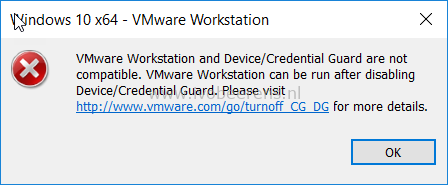
When using VMware Workstation 15 Pro with on Windows 10 with the Hyper-V role enabled I’ve got the following error when trying to install or start Windows 10 in VMware Workstation:
VMware Workstation and Device/Credential Guard are not compatible. VMware Workstation can be run after disabling Device/Credential Guard. Please visit http://www.VMware.com/go/turnoff\_CG\_DG for more details.
In 2013 I did a post about using VMware Workstation and Hyper-V together on Windows 8, link. The bottom line that the Hyper-V role conflicts with VMware Workstation. It looks like this is still the case. The same solution can be used to disable the Hyper-V role in Windows 10.
To disable Hyper-V from starting the following command can be used:
bcdedit /set hypervisorlaunchtype off
A reboot of Windows 10 is necessary. After the reboot I was able to boot the Windows 10 VM.

To enable the Hyper-V role again use the following command:
bcdedit /set hypervisorlaunchtype auto
A reboot of of the Windows 10 is necessary.
VMware/Microsoft has a KB article how to disable Windows Defender Credential Guard, link and link. I did not try this because the solution in this worked for me.